Camera scanning
Use the device camera to capture paper pages and turn them into saved document scans.
Docryva is a practical document scanner for everyday paperwork. Capture pages with the camera, review saved scans, and export a document as a shareable PDF.
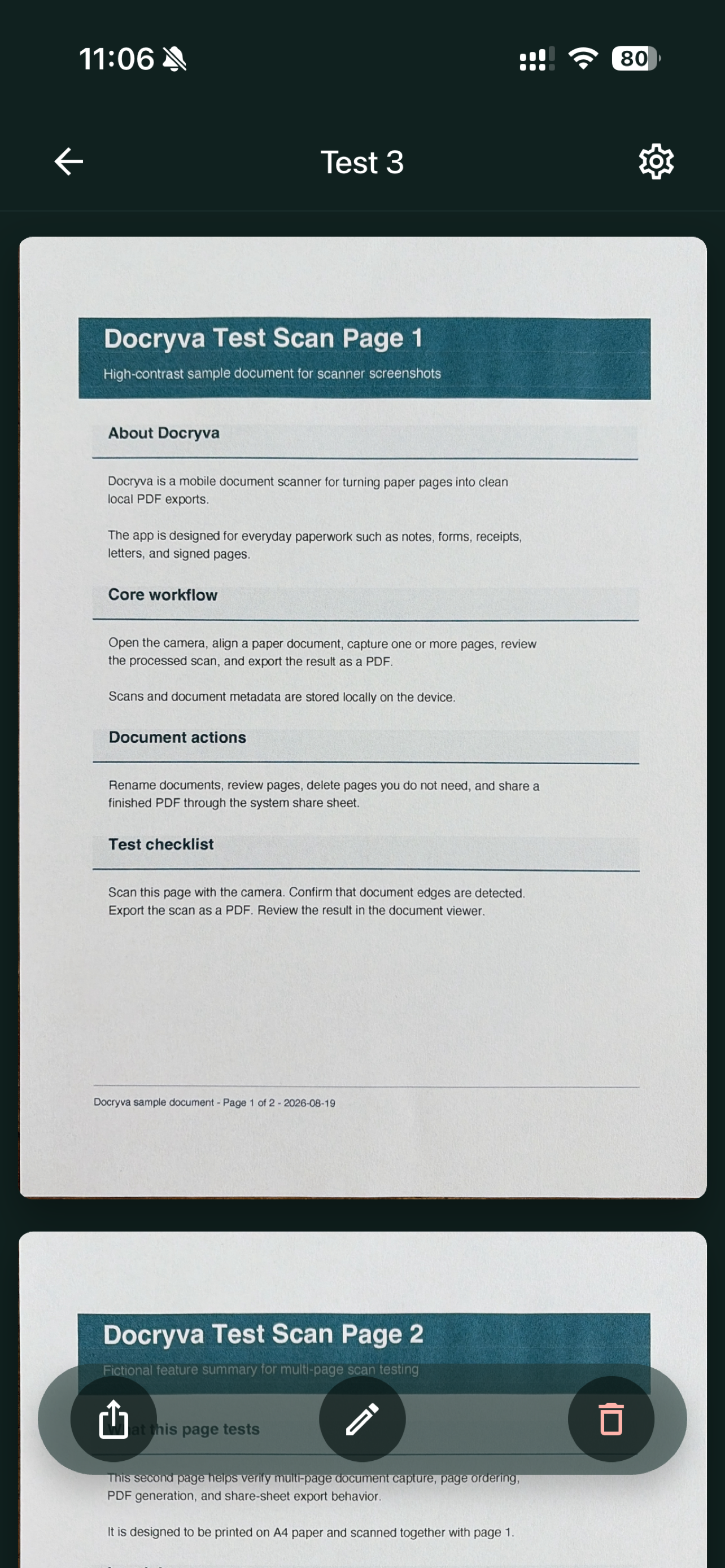
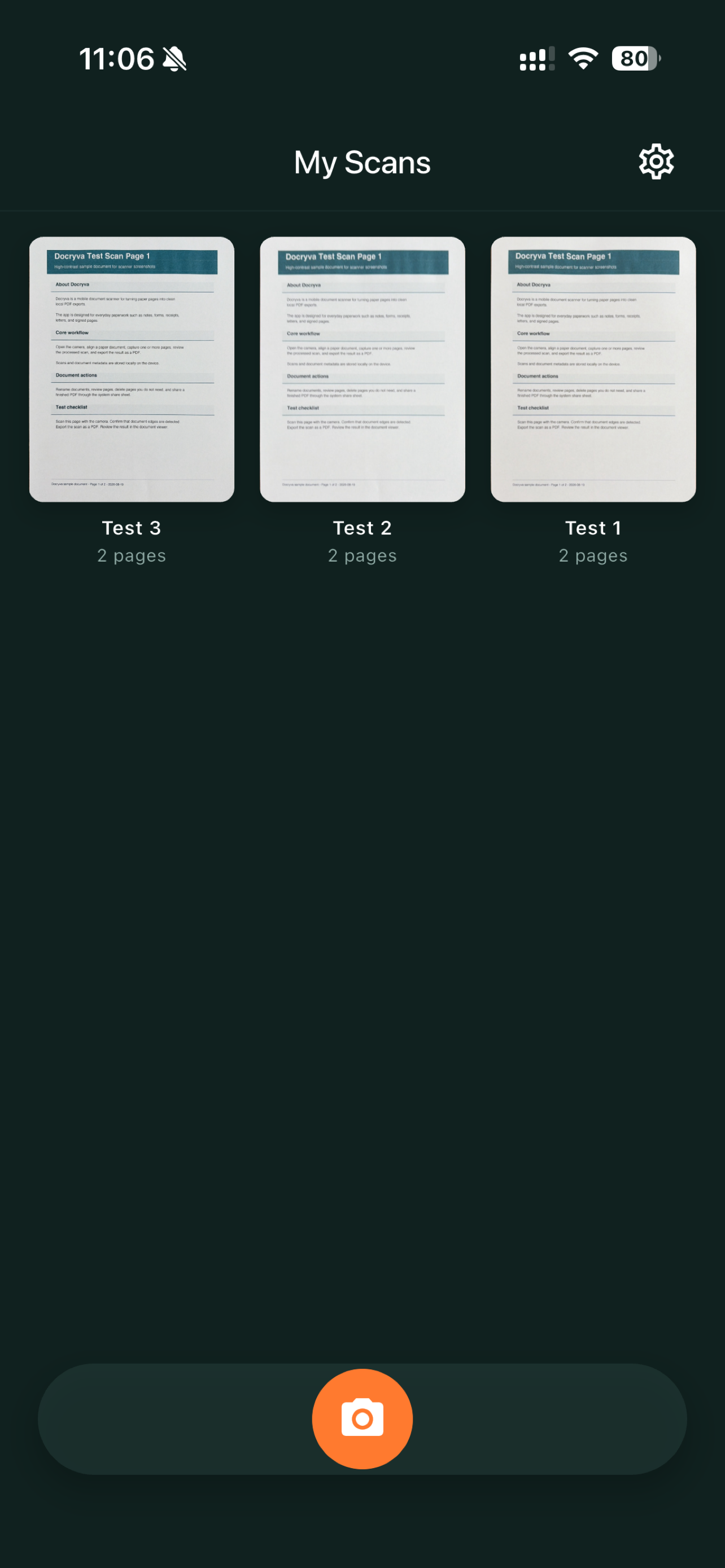
Scan receipts, forms, letters, notes, and signed pages without creating an account or setting up cloud storage.
Use the device camera to capture paper pages and turn them into saved document scans.
Docryva detects page edges while scanning and creates processed pages for cleaner document previews.
Capture multiple pages into one document, review them later, and keep scan titles organized locally.
Export saved documents as PDFs and share them through the system share sheet.
Open the scanner, capture pages, review the saved document, and export when you need to share it.
Start from the scan list and capture one or more paper pages with the device camera.
Open a document to inspect pages, rename it, or remove pages you no longer need.
Watch a rewarded ad for temporary export access, or choose Docryva Pro for ad-free PDF export.
Use a rewarded ad for temporary export access, or subscribe to Docryva Pro for ad-free PDF export.
Privacy detailsDocryva keeps scan images and document metadata on your device. PDF exports are shared only when you choose to share them.
Scan files and metadata are stored locally on the device.
The camera is used to scan documents and detect document edges.
Rewarded ads can unlock export temporarily. Docryva Pro removes rewarded ads from PDF export.